Getting the horizontal and vertical centers of an element
I often find myself needing to calculate the horizontal center and vertical center of an element.
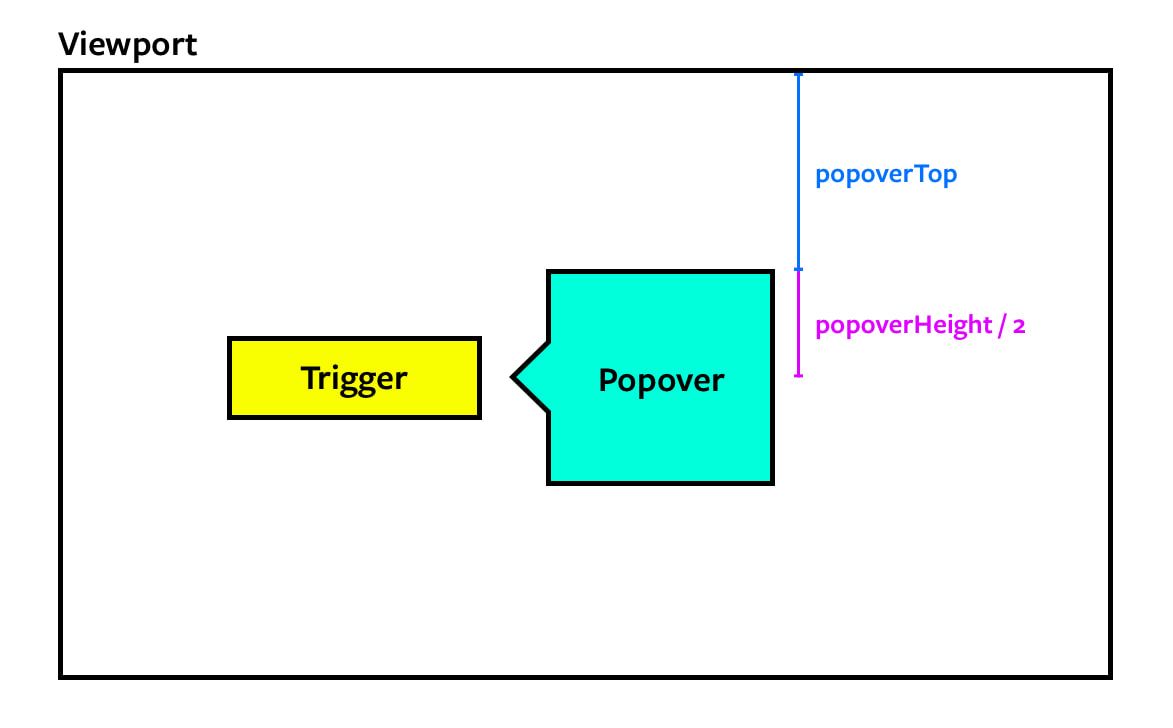
One example is a popover.
To position the popover perfectly, I need to know the horizontal and vertical centers of the button that triggers the popover. Here’s one example of a calculation I had to make.
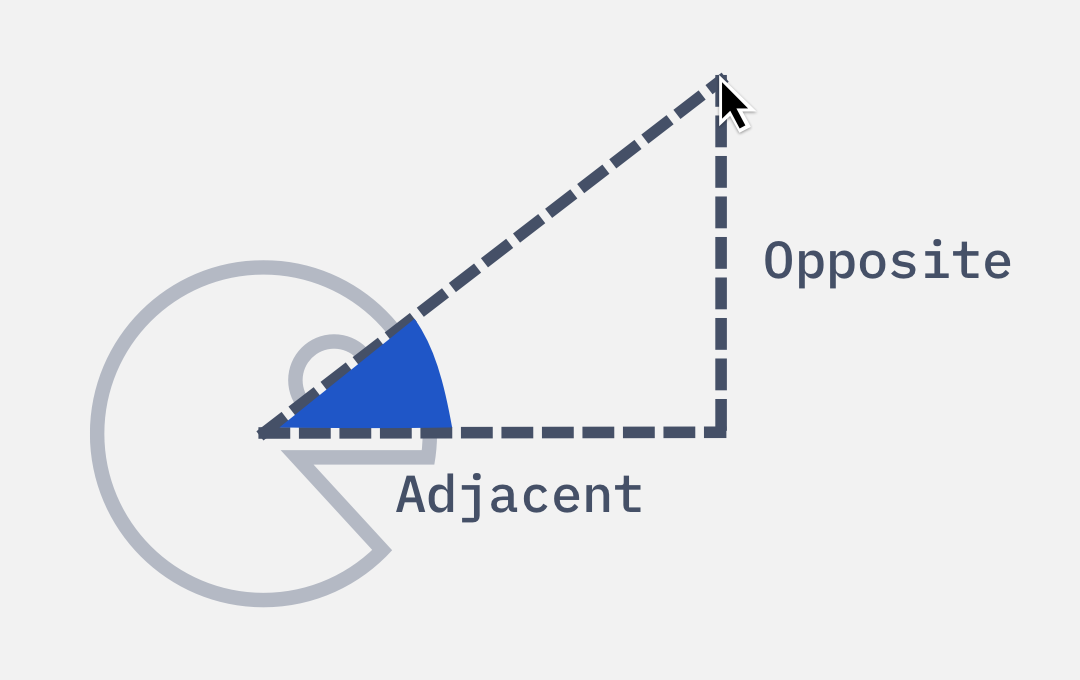
Another example: When I built this spinning pacman, I need to get the center of the pacman to calculate the angle of rotation.
I taught people how to build these two things step-by-step in Learn JavaScript. You may find it helpful if you want to learn to build things from scratch.
Getting the horizontal and vertical centers
It’s easy to get both the horizontal and vertical centers.
First, we use getBoundingClientRect to get information about the bounding box.
- To get the horizontal center (which I call
xCenter), we use the average of theleftandrightvalues from this bounding box. - To get the vertical center (which I call
yCenter), we use the average of thetopandbottomvalues of the bounding box.
const box = element.getBoundingClientRect()const xCenter = (box.left + box.right) / 2const yCenter = (box.top + box.bottom) / 2Function to simplify everything
I made a function to streamline this calculation. I call it getBoundingBox. It returns all values getBoundingClientRect plus xCenter and yCenter.
The function look like this:
function getBoundingBox(element) {  const box = element.getBoundingClientRect()  const ret = {}
  // Loops through all DomRect properties.  // Cannot spread because they're not enumerable.  for (const prop in box) {    ret[prop] = box[prop]  }
  ret.xCenter = (box.left + box.right) / 2  ret.yCenter = (box.top + box.bottom) / 2
  return ret}
Using it:
const box = getBoundingBox(element)const { xCenter, yCenter } = box