How to get CSS values in JavaScript
CSS alone is not enough sometimes. You might need to control your CSS values with JavaScript. But how do you get CSS values in JavaScript?
Turns out, there are two possible ways, depending on whether you’re trying to get inline styles or computed styles.
Getting inline styles
Inline styles are styles that are present in the HTML in the style attribute.
<div class="element" style="font-size: 2em; color: red;"> Red hot chili pepper!</div>To get inline styles, you can use the style property.
const element = document.querySelector('.element')
const fontSize = element.style.fontSizeconsole.log(fontSize) // 2em
const color = element.style.colorconsole.log(color) // red
Getting computed styles
If your styles are written in the CSS file, you need to get the computed style. To do so, you can use getComputedStyle.
It takes in two values:
const style = getComputedStyle(Element, pseudoElement)Element here refers to the element you’ve selected with querySelector.
pseudoElement here refers to the string of the pseudo element you’re trying to get (if any). You can omit this value if you’re not selecting a pseudo element.
Let’s walk through an example to help make sense of things. Say you have the following HTML and CSS:
<div class="element">This is my element</div>.element { background-color: red;}First, you need to select the element with querySelector. Then, you use getComputedStyle to get the element’s styles.
const element = document.querySelector('.element')const style = getComputedStyle(element)If you log style, you should see an object that contains every CSS property and their respective values.
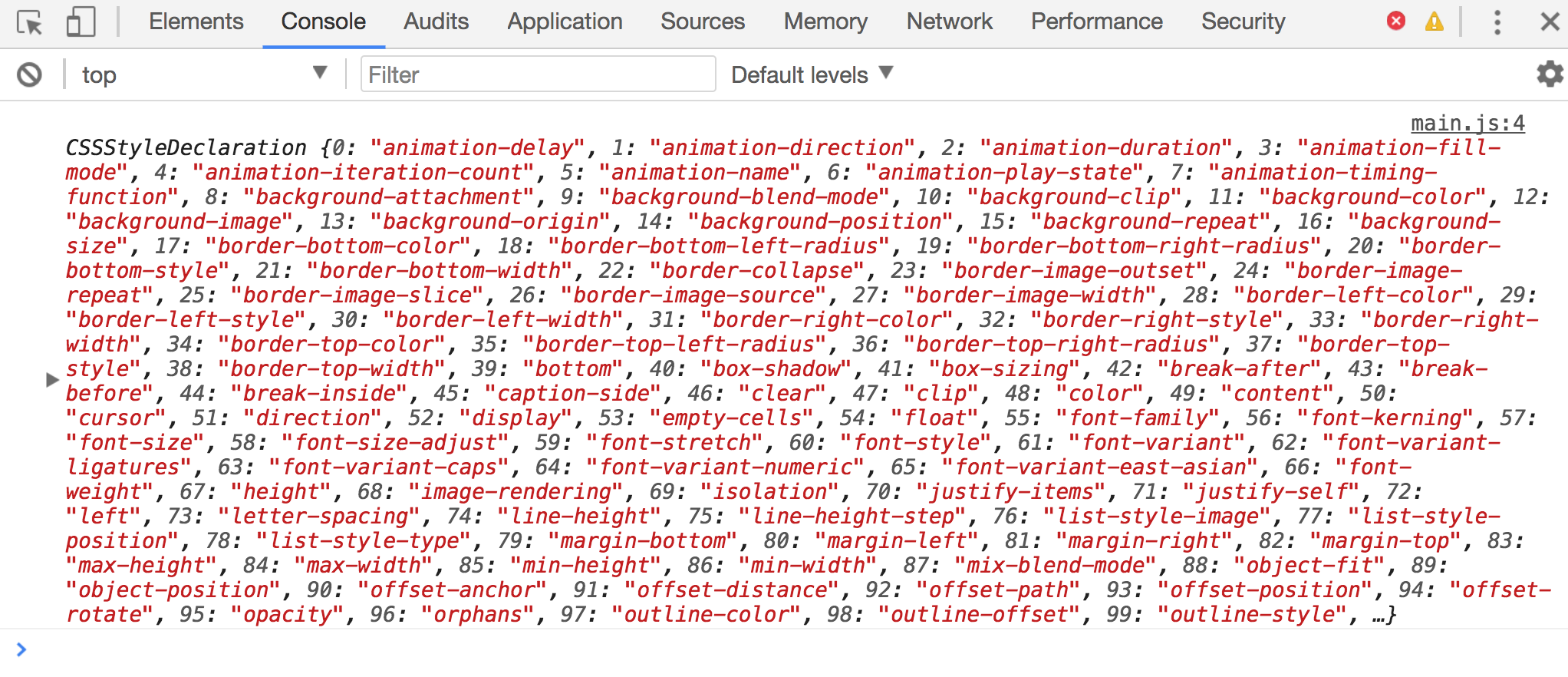
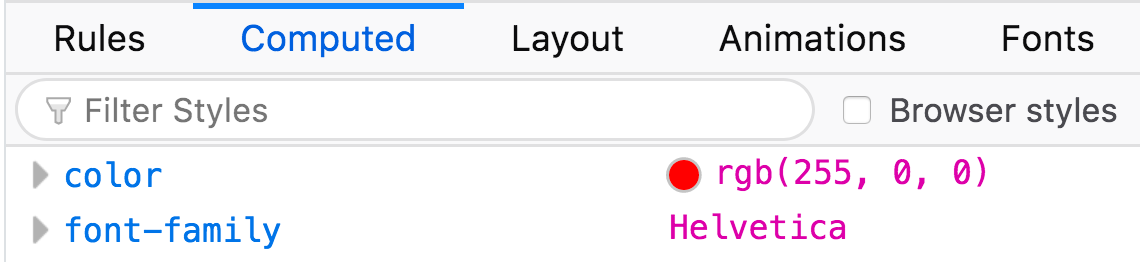
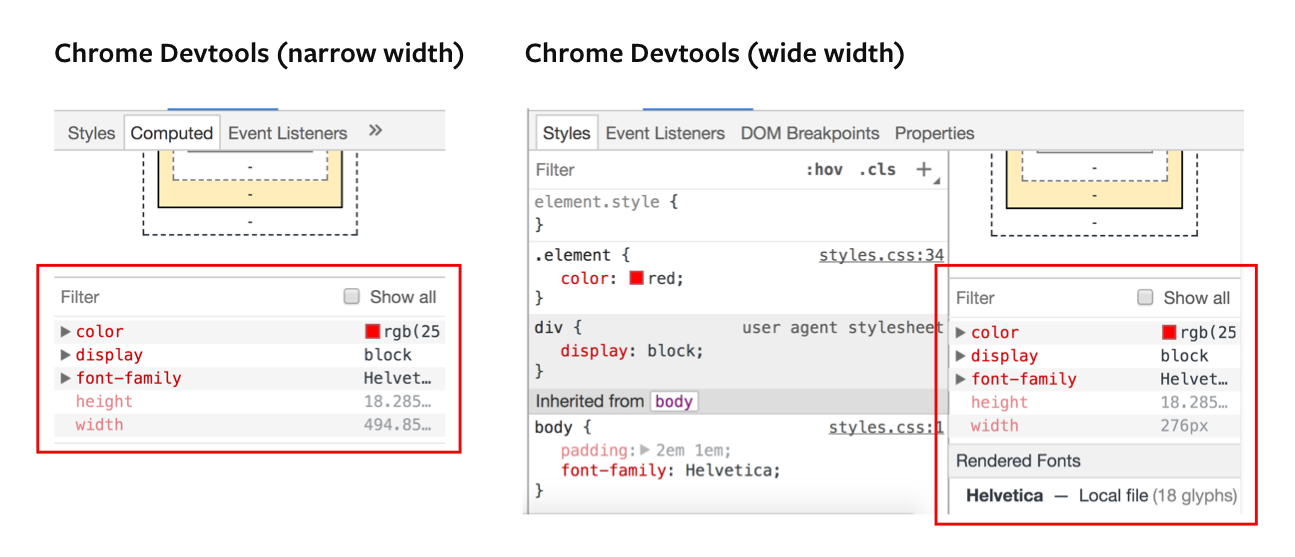
getComputedStyle returns an object that contains every CSS property and their respective values You can also see this object in Chrome’s and Firefox’s dev tools.
For Firefox dev tools, look under “Inspector”, “Computed”.
For Chrome dev tools, look under “Elements”. If the dev tools window is large, you can see the computed styles on the right panel. If the dev tools window is small, you can look under the “Computed” tab.
To get the value of a CSS property, you write the property in camel case.
const style = getComputedStyle(element)
const backgroundColor = style.backgroundColorconsole.log(backgroundColor) // rgb(0, 0, 0)
Note: getComputedStyle is read-only. You cannot set a CSS value with getComputedStyle.
Note2: getComputedStyle gets the computed CSS values. You’ll get px from getComputedStyle, not relative units like em and rem.
Getting styles from pseudo elements
To get styles from pseudo elements, you need to pass in a string of the pseudo element as the second argument to getComputedStyle.
<div class="element">This is my element</div>.element { background-color: red;}.element::before { content: 'Before pseudo element';}const element = document.querySelector('.element')pseudoElementStyle = getComputedStyle(element, '::before')
console.log(pseudoElementStyle.content) // Before pseudo elementWrapping up
You can get CSS values in JavaScript through two methods:
- The
styleproperty getComputedStyle.
The style property only retrieves inlined CSS values while getComputedStyle style retrieves computed CSS values.
If this lesson has helped you, might enjoy Learn JavaScript, where you’ll learn how to build anything you want from scratch. Enrollment for Learn JavaScript opens in July 2018 (next week!).