The Magical Dev School Student Portal is live!
I’ve been working on this for a long time and I’m happy to share with you that the Magical Dev School student portal is live!
What’s this portal about?
Earlier in February, I decided to put all my courses under a brand called Magical Dev School.
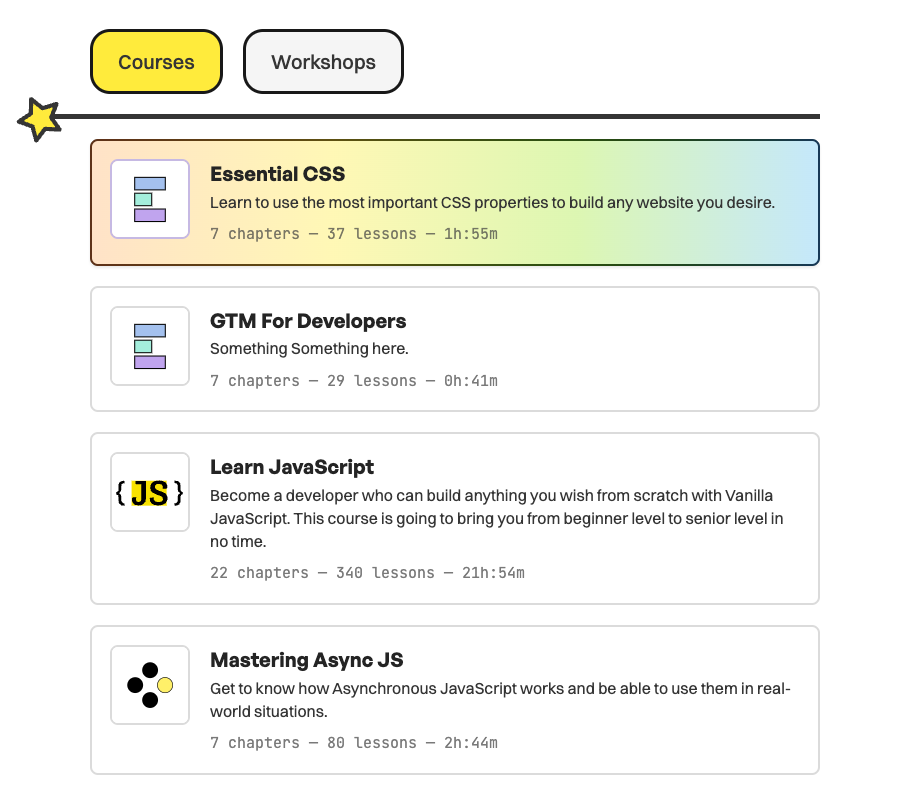
This portal is simply a place where you can access all my courses and workshops.
How to access the portal
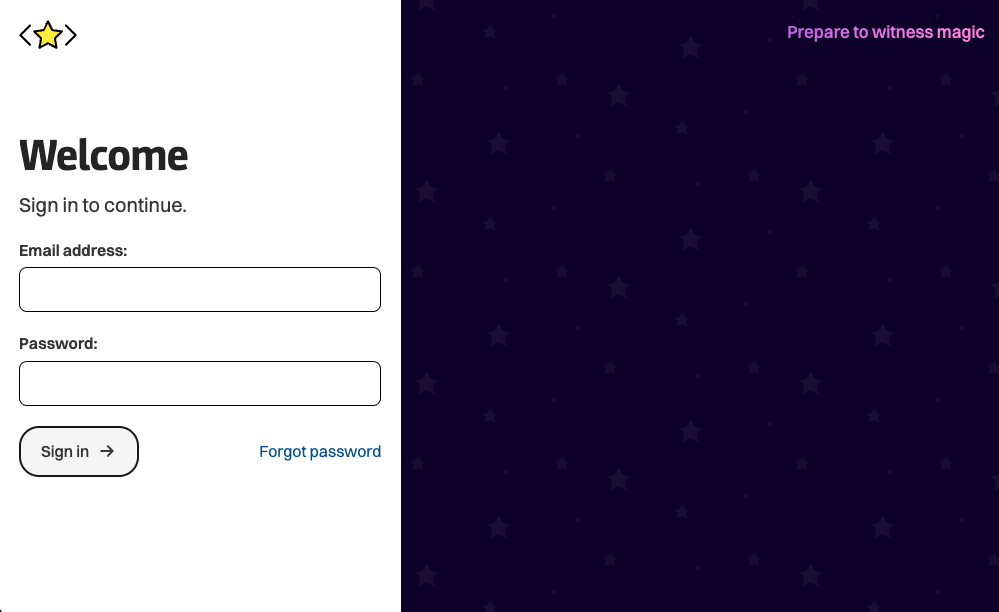
It’s simple. Just go here and fill in your email and password.
If you have purchased the Courses, Workshops, or Everything package from Magical Dev School, you will be able to access the corresponding items you have purchased.
If you have purchased a course (like Learn JavaScript) before I consolidated everything into Magical Dev School, you will also be able to use the Magical Dev School student. portal. In this case, you’ll have access to the full Learn JavaScript course in the portal.
You will also have access to free chapters of other courses and workshops if you haven’t purchased them yet.
The Magical Dev School portal is pretty well designed
I want to take the opportunity to share with you a few quality-of-life improvements I’ve made for you on this platform.
They are:
- Product Switcher to jump to any course or workshop easily
- Breadcrumbs to show you where you’re at
- Assess the lesson plan from every page
- Estimated timestamps for each course, chapter, and lesson
Product Switcher to jump to any course or workshop easily
I added a product switcher in the menu so you can jump to any course or workshop easily.
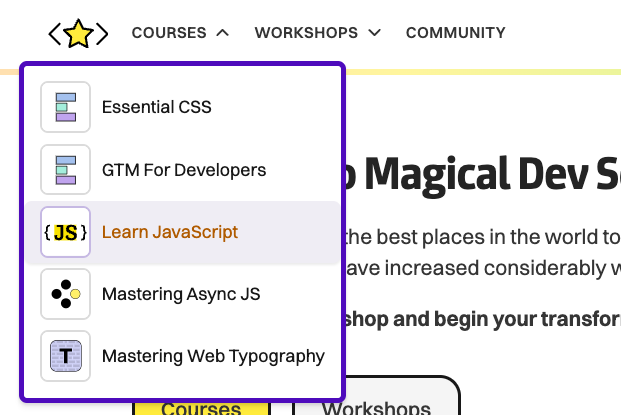
This is a tentative design and I may change it as the portal matures.
Breadcrumbs to show you where you’re at
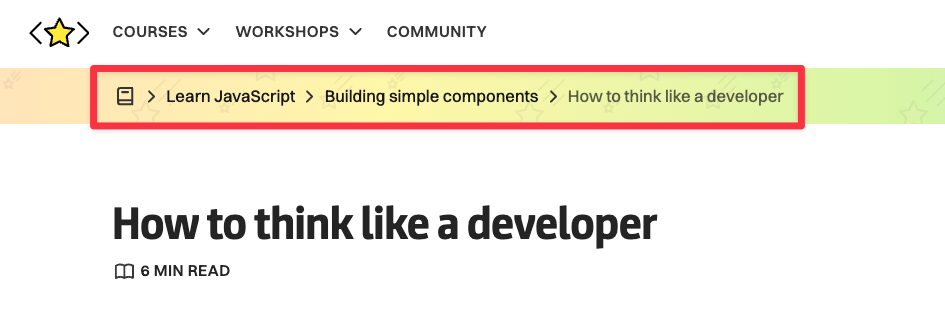
The second quality of life improvement is breadcrumbs that show you exactly which lesson you’re in.
I added this because it’s easy to get lost in the sea of lessons we have available in Magic’s Dev School.
Assess the lesson plan from every page
If you click the book icon on the breadcrumbs, you will be able to access the lesson plan for the entire course you’re viewing.
This will help you get a good grasp of where you’re at in the entire course.
You’ll also be able to jump to another lesson easily if you wish to backtrack or skip forward.
Estimated timestamps for each course, chapter, and lesson
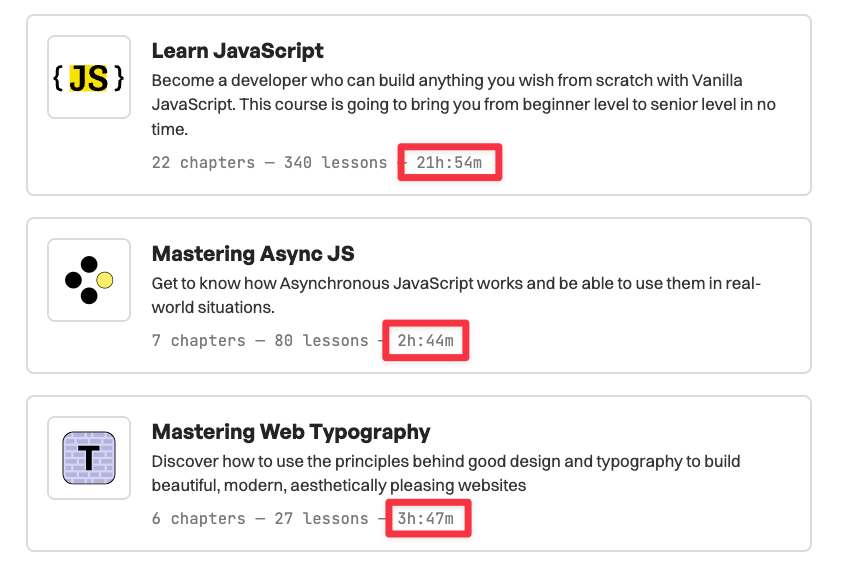
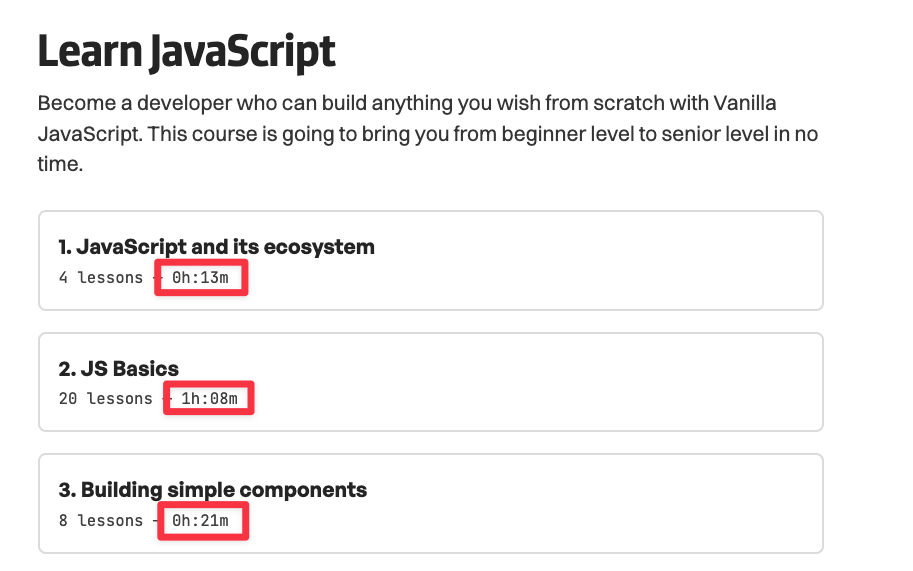
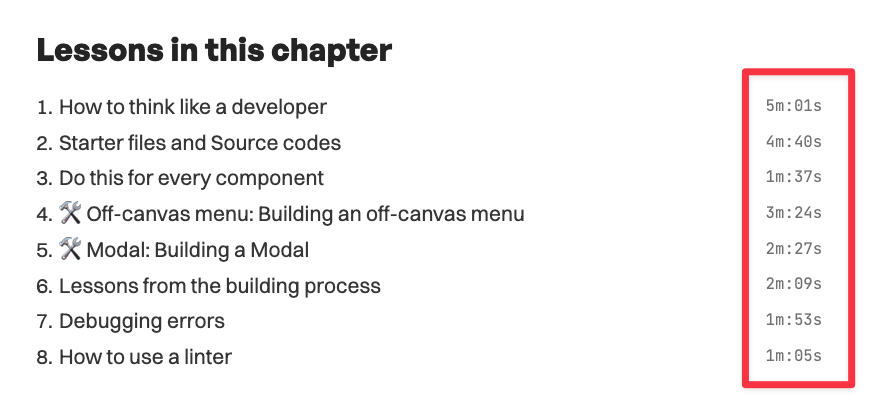
Last but not least, I have added estimated timestamps to all courses, chapters, and lessons.
This should give you an idea of how much content there is in each course, chapter, and lesson, and therefore, how much time you may have to spend.
Note that these are just estimated reading/video times! You’ll likely spend way more time than the stated values since you may have to go through some lessons multiple times.
That’s it from me this week!
Hope you enjoy our new course portal!
If you have any questions, just reach out and I’ll get back to you as soon as I can.