Getting keyboard-focusable elements
If you create JavaScript widgets, one of the key parts to accessibility is managing focus.
To manage focus, you need to find keyboard-focusable elements.
When you know the contents
It’s easy to find keyboard-focusable elements if you know the contents of the element beforehand.
For example, I know the focusable elements in this modal are <input> and <button>.
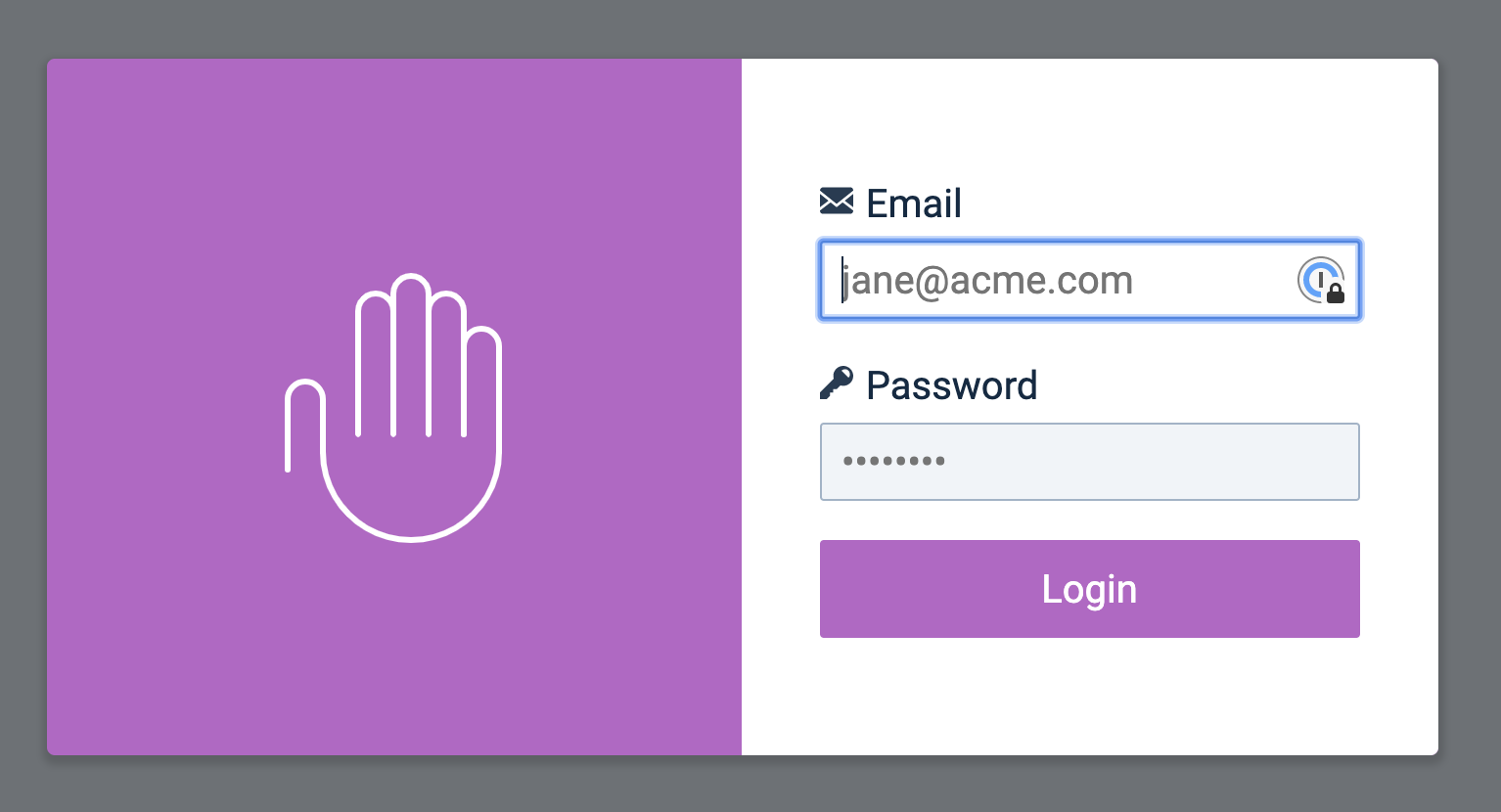
I can get the focusable elements with querySelectorAll.
const focusableElements = [...modal.querySelectorAll('input, button')]When you don’t know the contents
It’s harder to find keyboard-focusable elements if you don’t know the content beforehand.
After some research, I realised you could only focus on these elements with a keyboard:
<a>with thehrefattribute<button><input><textarea><select><details>- Elements with
tabindexset to0 - Elements with
tabindexset to a positive number
We can get all keyboard-focusable elements with the following querySelectorAll. It looks a little complicated, but there’s no other way to include everything:
const keyboardfocusableElements = document.querySelectorAll( 'a[href], button, input, textarea, select, details, [tabindex]:not([tabindex="-1"])',)Some elements (like button) can be disabled. Disabled elements are not focusable.
In some libraries form fields are hidden visually (CSS) and for At (aria-hidden="true") and replaced by better looking components that should be accessible.
We can remove these elements with filter.
const keyboardfocusableElements = [ ...document.querySelectorAll( 'a[href], button, input, textarea, select, details, [tabindex]:not([tabindex="-1"])', ),].filter(el => !el.hasAttribute('disabled') && !el.getAttribute('aria-hidden'))Turning it into a function
This querySelectorAll code is hard to read. We can put the entire thing into a function to make it more understandable.
/** * Gets keyboard-focusable elements within a specified element * @param {HTMLElement} [element=document] element * @returns {Array} */function getKeyboardFocusableElements(element = document) { return [ ...element.querySelectorAll( 'a[href], button, input, textarea, select, details,[tabindex]:not([tabindex="-1"])', ), ].filter( el => !el.hasAttribute('disabled') && !el.getAttribute('aria-hidden'), )}Update: Lauren contacted me and asked about display:none. Certainly these elements won’t be focusable so we have to filter them out too. I also included a list of other elements that I never thought about before — embed, object, iframe, etc.
I updated the code in my Github repository — you can get the updated code if you sign up below.