Building a login system with HTML, CSS, and JavaScript
I built a login system with HTML, CSS, and JavaScript when I made Learn JavaScript’s student portal. I’d like to share this system with you since it seems to work well.
How the system works
The system goes like this:
- Let user login at the login page
- Upon login, store user’s information in
localStorage. - Redirect to the content page
- Upon login, store user’s information in
- When student lands on a page
- Check if student can access the page
- If yes, allow student to enter
- If no, redirect to login page
Logging in
Students can log in to the course with their email address and a password.
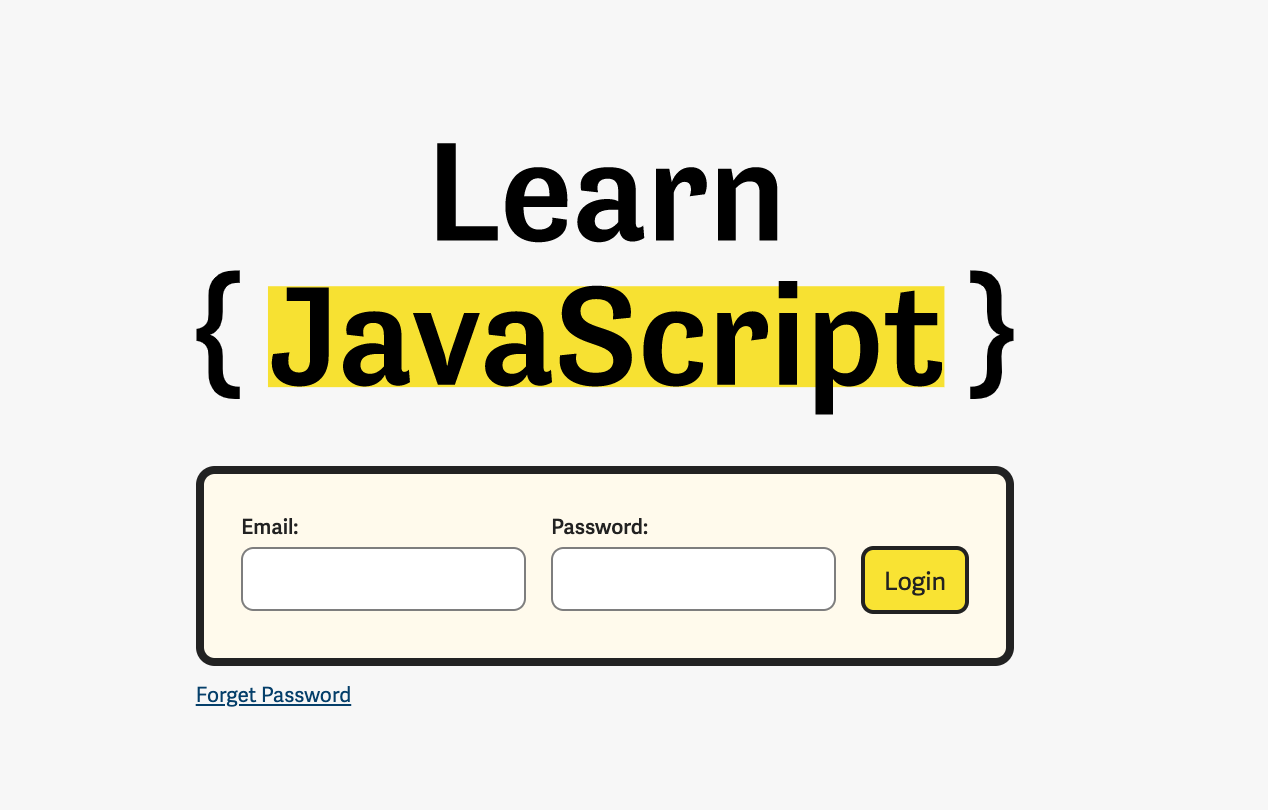
When they submit the form, I send their email and password to my server through a POST request. Here’s what the request looks like:
async function basiclogin (email, password) { const response = await zlFetch.post(loginEndpoint, { auth: { username: email, password: password }, body: { /*...*/ } })}zlFetch is a library I built to make the Fetch API easier to use. You can find out more about zlFetch here. The auth option transforms username and password into a basic authentication header.
My server uses JSON Web Tokens (JWT) to authenticate users. It sends back a JWT token. The JWT token is a long string that looks like this:
eyJhbGciOiJIUzI1NiIsInR5cCI6IkpXVCJ9.eyJmaXJzdE5hbWUiOiJaZWxsIiwiZW1haWwiOiJ6ZWxsd2tAZ21haWwuY29tIiwiaWF0IjoxNTc3ODYzNzc3LCJleHAiOjE1ODA0NTU3Nzd9.i3rOwqV1Bc-JEAaxT7lHZHUlDuFf9ADVP7qjy50WqT0This token acts as credentials for future logins. I save this token inside localStorage so I can log students in automatically.
async function basiclogin (email, password) {  const response = await zlFetch.post(/*...*/)  const { token } = response.body
  localStorage.setItem('token', token)}
Checking if the student is logged in
To check whether a student is logged in, I check the localStorage for the token. If localStorage doesn’t have a token, I know the student has not logged in.
async function isLoggedIn () { const token = store.get('token') if (!token) return false}If the student is not logged in, I redirect them to the login page.
async function autoRedirect () { const validLogin = await isLoggedIn() if (!validLogin && location.pathname !== '/login/') redirect('/login') if (validLogin && location.pathname === '/login/') redirect('/')}If the localStorage has a token, I still need to check the validity of this token. To do this, I send another POST request to my server.
async function isLoggedIn () { // ... // Checks validity of token const response = await zlFetch.post(loginEndpoint, { auth: token, body: { course: 'learn-javascript' } })}If the response is successful, my server returns another token with a new expiry date. This new token allows students to remain logged in for a longer period.
async function isLoggedIn () {  // ...  // Saves token into localStorage again  const { token } = response.body  localStorage.setItem('token', token)
  return true}
Updating a student’s access level
Besides token, I store a student’s “access level” inside localStorage as well. This “access level” determines what lessons a student can access.
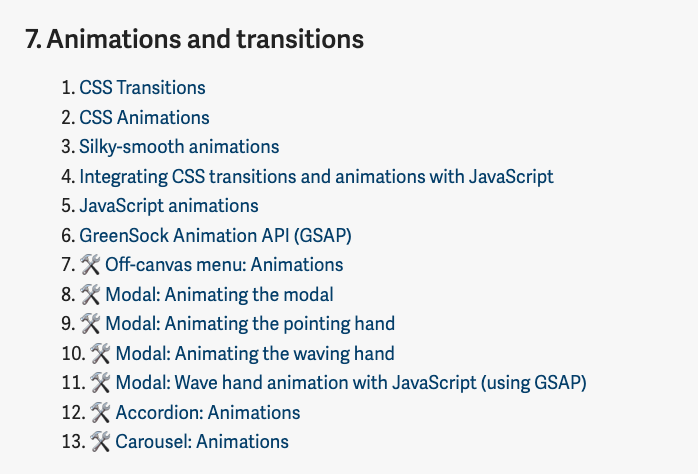
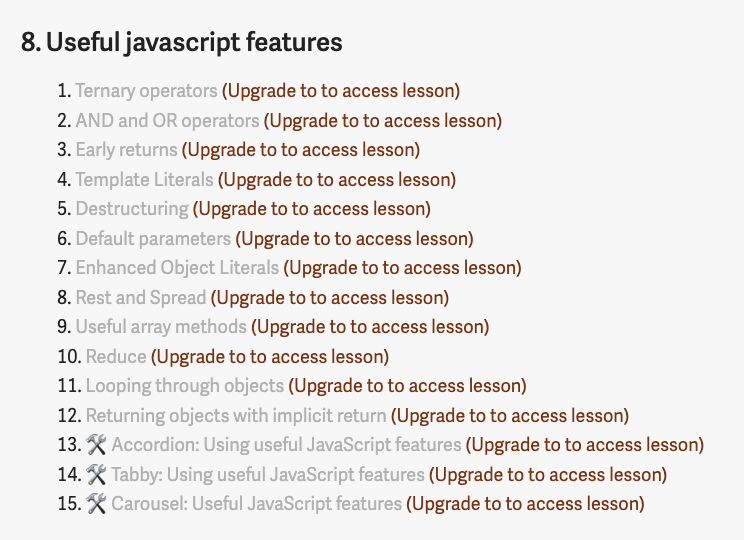
I store this access level when the student logs in for the first time.
function basiclogin (email, password) {  const response = await zlFetch.post(/*...*/)  const { token, user } = response.body  // ...
  // user contains accessLevel  localStorage.setItem('user', user)}
I store the access level again when the token is validated. This allows me to:
- Prevent students from tampering with their
localStorage(and getting access to lessons they should not have) - Update a student’s access automatically once they upgraded to a higher tier
Two birds with one stone!
function isLoggedIn () { // ... const { token, user } = response.body localStorage.setItem('user', user)}Logging out
It’s simple to logout. We just have to clear the items we placed in localStorage.
function logout () { localStorage.removeItem('token') localStorage.removeItem('user')}Preventing access for students without JavaScript
This course is built with a static site generator. Each lesson is a plain HTML file. Students can bypass the authentication layer and read the HTML directly if they turned off JavaScript.
This should not happen.
To prevent people from turning off their JavaScript to view lessons, I added a no-js class to the HTML element.
<html lang="en" class="no-js">...</html>I remove this no-js class when there’s JavaScript.
document.documentElement.classList.remove('no-js')And I hide the main content if the user turned off JavaScript.
/* Disallow access if there's no JavaScript */.no-js main { display: none !important;}A message to turn on JavaScript
Students who try to access the course portal without JavaScript will see a blank page. They may get confused and think the page didn’t load.
I need to tell these students to turn on JavaScript, so I added a <noscript> tag.
<noscript>This course portal requires JavaScript to verify your identity. Please enable JavaScript to access the course.</noscript>
That’s the entire login process!